01
Download and install the Media Composer extension from the links provided above.
The Pro Sound Effects Media Composer Panel is a powerful, industry-first integration that revolutionizes the sound effects workflow for film and video editors, all without leaving the Avid Media Composer interface.
Requires MacOS 10.10 or later
Requires Windows 7 or later
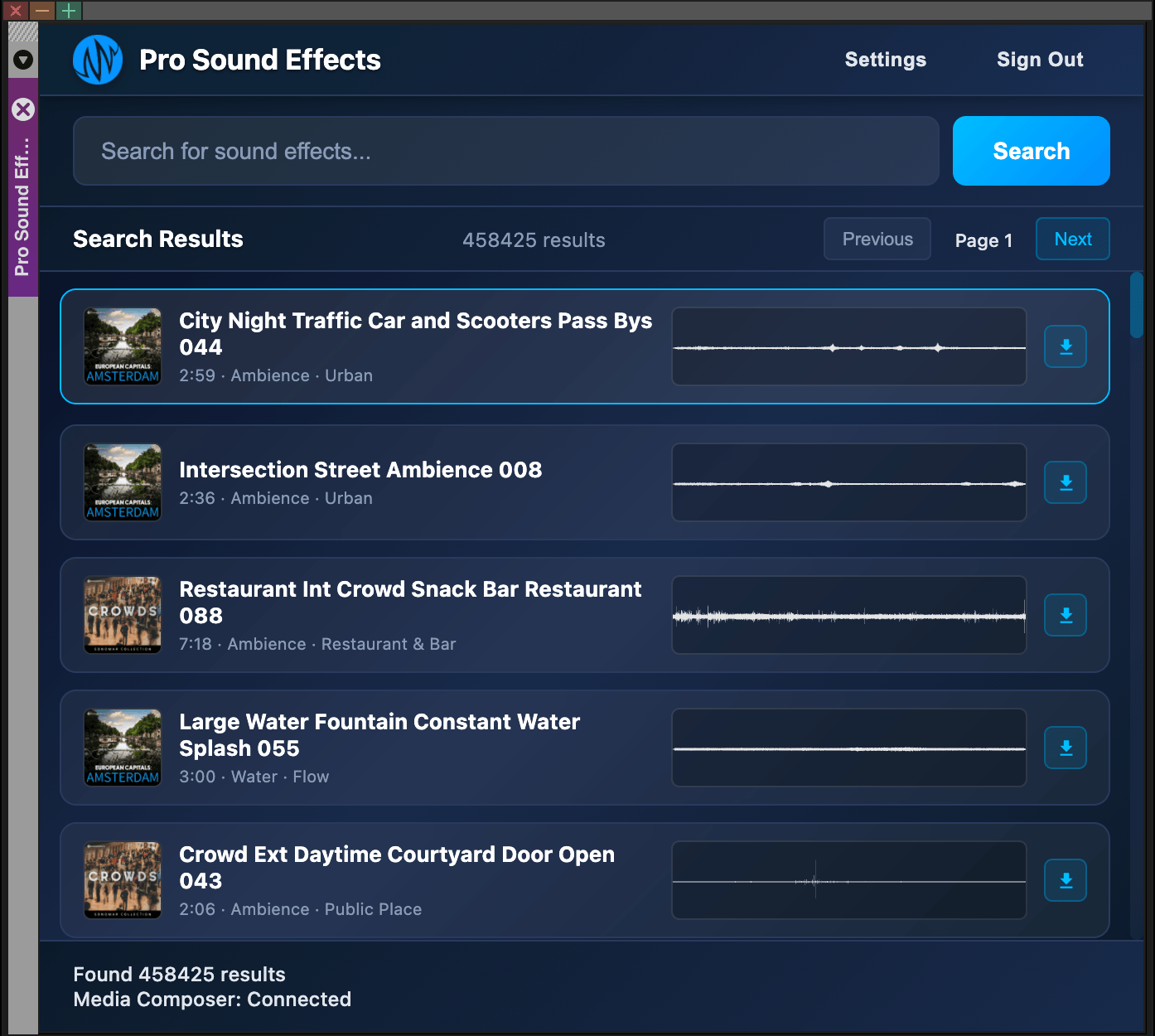

Over 1.2 Million Sounds at Your Fingertips
Get access to your PSE sound libraries directly inside Avid Media Composer and ensure a lightning-fast, intuitive SFX workflow. If sound is 50% of the film, the stories you tell deserve nothing but the best.

Integrate Your Existing SFX Libraries
Use SoundQ, PSE's free, cross-platform app, to easily browse and search your other sound effects libraries. Choose and edit your sounds and send them from SoundQ to Avid Media Composer directly, preserving all original metadata. Find the perfect sound and maintain your workflow whether your library is stored locally, on a network, or in the cloud.

Ensure a Professional & Licensed Workflow
From the initial temp track to the final sound mix, ensure that every editor has access to fully-licensed sounds with metadata preserved. Empower your team with a broad sonic palette without worrying about legal, clearances or compliance.
Getting Started with the PSE Avid Extension
Download and install the Media Composer extension from the links provided above.
Launch Media Composer and open the Panel labeled "Pro Sound Effects"
Log in with your PSE credentials to access your sounds
Download and install SoundQ to access your personal sound libraries